

Mar 28
IP Control so that we can turn it on/off, change settings, and check current status and settings from Home Assistant.
Planned
Thank you for the feedback. We have recorded the demand for IP Control functionality and plan to add the PJ Link protocol through a firmware update post-delivery.
IP control would be awesome
It would be great if the Ip (and RS232) can control the brightness (video black level), because in a lot of movies/tv shows the black level is too high (shiftet). So we can adjust per movie to get an better viewing experiance!
An API for IP control would be fantastic!
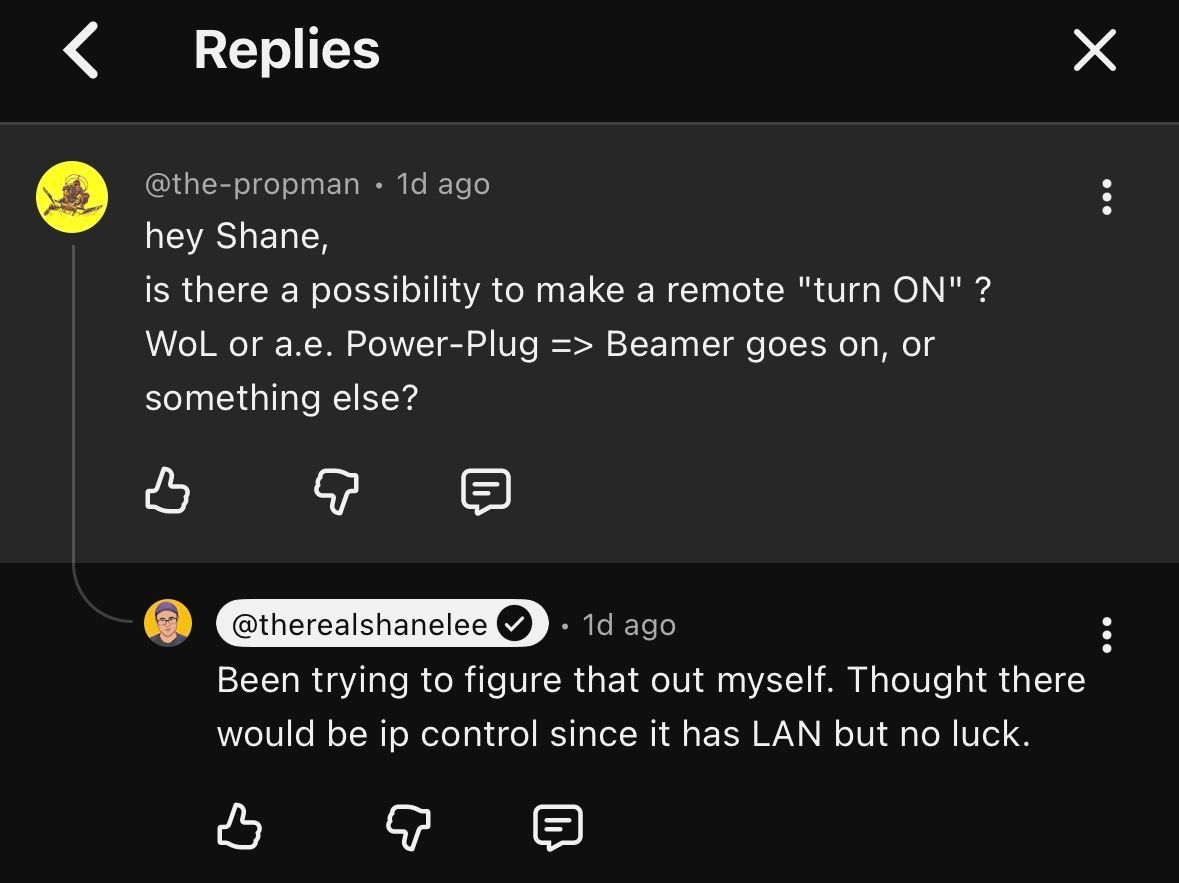
YouTube users and reviewers are finding it odd too: Screenshot below
Home Assistant integration an IP control would be great.
We need more options to control this projector aside from your bluetooth remote. Ive used Harmony forever and now Unfolded Circle R3 with Home Assistant. Adding a restricted remote like this is unnecessary.
I would love to see all the commands on IP, thats how I operate my JVC NZ800 and NZ700. Good HT projs do have IP or RS232.
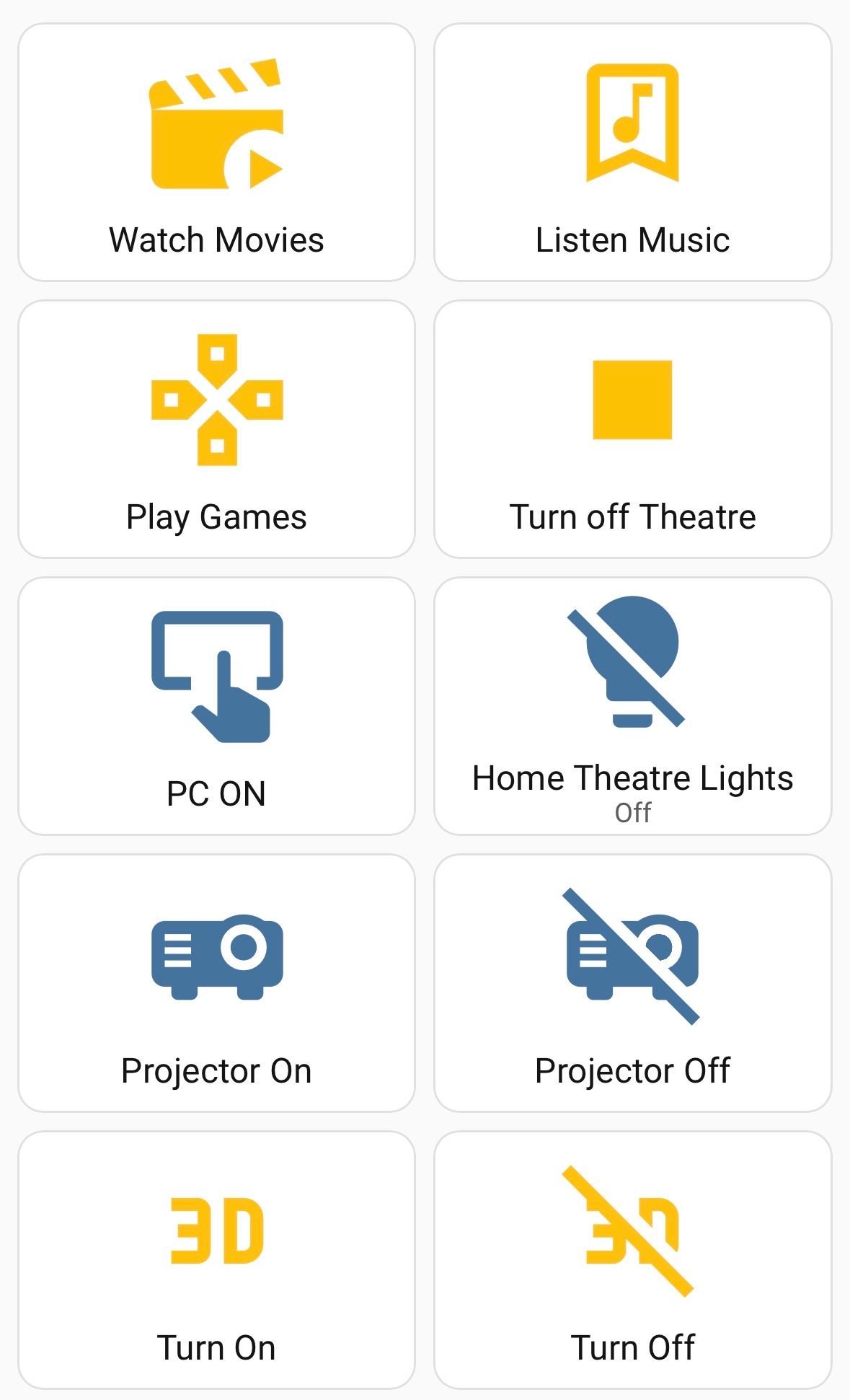
The projector turning on and off option at a smart home theater is very important for many users. We don’t want to deal with multiple remotes to operate a theater, many of them use smart all-in-one remotes (SofaBaton, harmony etc.), some use Home Assistant, for example find below is my personally developed smart-remote setup as Home Assistant dashboard: Out of the 3 power on/off options- beside the remote - that were outlined in my my post at AVS forum (https://www.avsforum.com/posts/64572667/), CEC is not preferred because it’s buggy protocol. In addition, for those who use home theater for music listening, don’t want to turn on the projector while they are listening, so CEC is not an option for them. RS232 is not very easy option to implement without bringing in (additional cost) a professional installer. So for many this is not a viable option either. Only easy option to implement is the smart plugs. However, why should an end user go through this struggle to simply turn on/off a projector in this day and age? Whey should user be forced to use the projector remote for a simple on/off function when the projector brand itself as a “smart” device? Give user an easier way to integrate this projector with their smart home. This proposed IP solution will bring XGIMI closer to the big three protector brands and solve many smart-home integration related use cases, please consider this proposal.
Pictures modes, lens positions/zoom/focus, contrast mode, iris, laser power etc... That be really useful
As one initial, simple option: Titan Noir already supports a good range of remote control options via a serial port, requiring to attach a serial/USB adapter dongle to a serial port of the Titan Noir. And then figuring out how to remotely access that serial port - or extending a serial cable all the way to some controlling PC. https://helpcenter.xgimi.com/hc/en-gb/articles/5672256314536… So: Just allow all the same "RS232 commands" to also be available over a simple TCP connection. Pick some TCP port, add a config option to enable/disable the port. Done! Would be very simple for Home Assistant or other home automation to use such a port.
Another IP Control feature to have since the projector will have lens memory is the ability to recall saved memory positions. This would make it easier for theater control solutions, like Savant Pro, to switch between lens position settings for those operating in CIH (Constant Image Height) scenarios using wide-aspect or Scope screens. My Sony VPL-VW715ES had this capability in combination with Savant Pro, which made life with my 2.35:1 screen much simpler.
IP control is my preferred as well. But first priority is discrete remote commands -- i.e. direct input of any command with any value, for example "iris 8" or "laser level 6". Ideally these discrete commands would be via IP control but IR also works with Sofabaton and plenty of other remotes. The important thing for a home theater enthusiast projector is that these discrete commands are available at all -- so with one button press we can switch directly between DBLE on/off or Dolby Vision Dark to Dolby Vision Bright or DV Screen Size 130 so we can instantly see changes take effect without having to go through menus.
Maybe as a way to make Noir series flexible such that both IP control, but also better remotes can be supported by users: Noir will not have Google-TV/Android-TV but just android. Nexigo Aurora Pro series also by now only has Android (they removed Android-TV/Google-TV). But Nexigo still allows to install Android Apps from USB Stick. The same could be allowed on Noir. Then simply make ALL system settings available to normal Android applications. That way both automation, remote-control and home-automation applications can be installed do whatever they want to those system settings. And given how users have to manually install such apps via USB, security is not an issue anymore (solution does not apply to H20). And i specifically want the 3D settings user-accessible to put 3D on/off onto a button with a simple remote-control app!
If IP Control is added, it would be useful to include the calibration operations (greyscale, CMS, etc.)
This is probably top of my list of must haves. Thank you for working in this.